
LIMS test menu configuration is the process of defining and organizing laboratory test parameters, processing rules, and result logic within a Laboratory Information Management System to produce accurate, standardized, and auditable outputs. Every downstream workflow in your lab, from sample accessioning to final report delivery, depends on how well this foundational setup is executed. Labs that treat configuration as a technical checkbox rather than a process design decision pay for it in manual corrections, failed audits, and staff frustration. Labrynix was built around the reality that configuration quality directly determines reporting quality in genetic and molecular testing environments.
What is LIMS test menu configuration, and what does it include?
LIMS test menu configuration is the structured setup of test definitions, result parameters, and automated decision rules inside a LIMS platform. The industry also refers to this as test catalog configuration or test dictionary setup. Both terms describe the same core activity: telling your LIMS exactly what each test is, how results should be processed, and what happens when specific conditions are met.
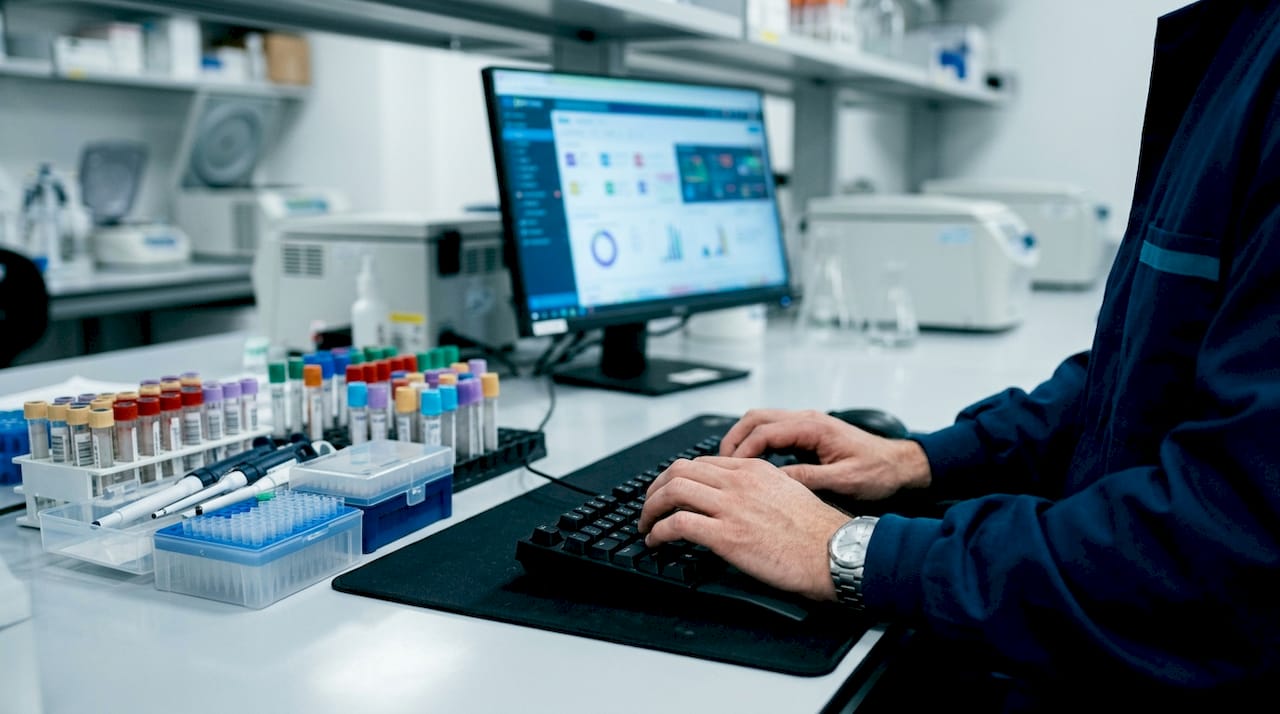
Comprehensive test menu configuration includes critical parameters such as test codes, reference ranges, reportable units, reflex testing logic, autoverification thresholds, and QC alert routing. Each parameter is a decision point. A missing or incorrect reference range does not just produce a wrong result. It breaks the automated verification chain and forces manual intervention at scale.
The scope of a complete test menu setup covers six core components:
- Test codes and identifiers: Unique codes that link orders, instruments, and reports without ambiguity.
- Reference ranges and reportable units: Standardized values that define normal versus abnormal, tied to patient demographics where applicable. Proper result unit configuration prevents unit mismatch errors across instruments.
- Reflex testing logic: Rules that automatically trigger follow-up tests based on initial results, reducing manual routing decisions.
- Autoverification thresholds: Criteria that allow results to pass to reporting without human review when all conditions are met.
- QC alert routing: Parameters that flag out-of-control quality control events and direct them to the right staff. A dedicated QC module guide covers how this integrates with broader quality management.
- Instrument integration rules: Configurations that map instrument output to LIMS fields, eliminating manual transcription.
Pro Tip: Group test methods by regulatory program or sample matrix during initial setup. For example, placing all EPA 200.8 drinking water metals methods under one category simplifies management and makes compliance reporting far faster.
Why is validation critical in LIMS test menu configuration?
Validation is the step that separates a working configuration from one that looks correct until go-live day. Labs that skip or compress this phase consistently face the same outcome: weeks of manual overrides, corrective actions, and staff trust erosion that takes months to rebuild.
The validation process must happen in a dedicated staging or sandbox environment, never in production. Testing in production means real patient data is exposed to unverified logic. A staging environment lets your team break things safely and document what needs fixing before any sample touches the live system.
A structured validation workflow for test menu setup follows these steps:
- Build the staging environment. Mirror your production configuration exactly, including all test codes, reference ranges, and instrument mappings.
- Run synthetic test cases. Create test orders that cover normal results, abnormal results, and edge cases like results at the exact boundary of a reference range.
- Validate autoverification rules. Confirm that results meeting all criteria pass automatically and that results outside thresholds correctly route to manual review.
- Test reflex logic. Trigger each reflex condition deliberately and confirm the correct follow-up test fires.
- Stress-test QC alert routing. Simulate out-of-control QC events and verify that alerts reach the right staff role.
- Document everything. A configuration document and validation report are required for audits, upgrades, and troubleshooting. Skipping documentation is skipping your audit trail.
Pro Tip: Treat your validation report as a living document. Update it every time a configuration change is made post go-live. Auditors and accreditation bodies expect to see a complete history of changes, not just the initial setup record.
Labs that go live with placeholder autoverification thresholds face weeks of manual work and a measurable loss of staff confidence. The fix is never faster than the prevention.
How does test menu configuration affect workflow and report accuracy?
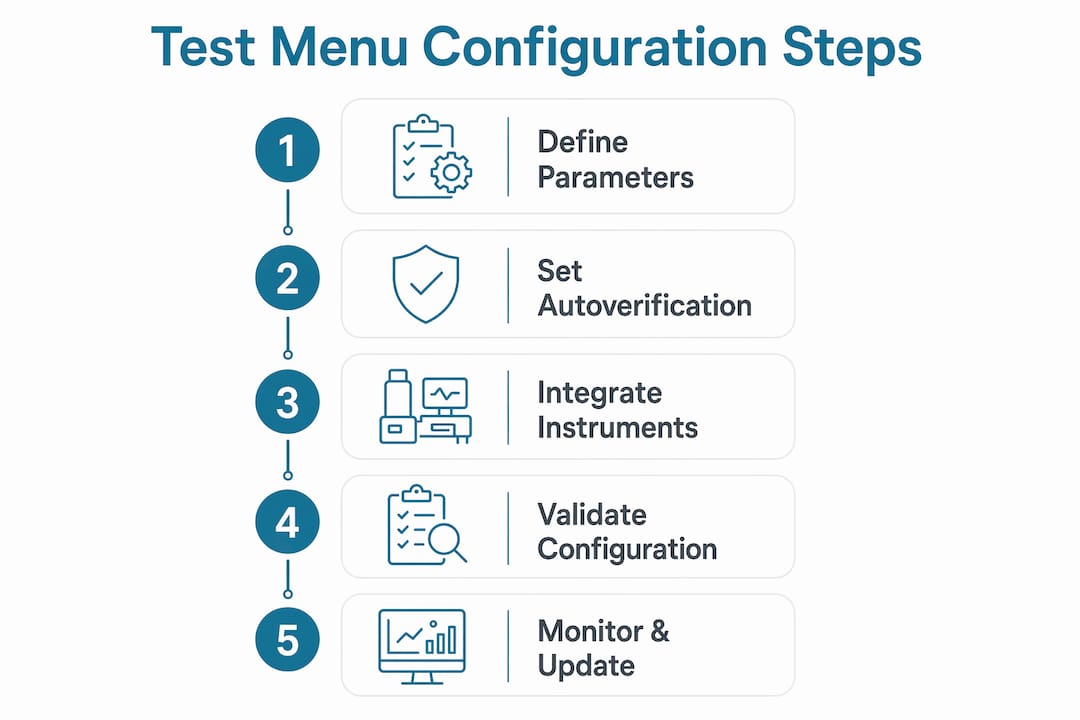
Well-executed LIMS test menu setup produces measurable improvements across the entire sample-to-report cycle. The table below maps configuration elements to their direct operational impact.
| Configuration element | Workflow impact | Report accuracy impact |
|---|---|---|
| Accurate test codes | Eliminates order routing errors | Ensures correct test appears on final report |
| Validated reference ranges | Enables autoverification at scale | Prevents incorrect normal/abnormal flags |
| Reflex testing logic | Removes manual routing decisions | Adds clinically relevant follow-up data automatically |
| Instrument integration | Eliminates manual transcription | Removes a primary source of result entry errors |
| QC alert routing | Flags problems before results release | Keeps out-of-control data off patient reports |
| Standardized reportable units | Reduces unit conversion steps | Produces consistent, comparable results across runs |
Instrument integration reduces manual transcription errors and supports instrument calibration and maintenance scheduling. That matters because transcription errors are among the most preventable sources of result inaccuracy in any lab. Removing the human data entry step removes the error class entirely.
Automated workflows also reduce training time for new staff. When reflex logic and autoverification rules are correctly configured, technicians follow a defined path rather than making judgment calls on every result. That consistency builds confidence and shortens the time from hire to independent operation. For genetic and molecular labs using Labrynix, this means pharmacogenomics reports reflect the lab's validated interpretation rules rather than individual staff decisions.
LIMS workflow design built on solid test menu configuration also supports traceability. Every result carries a complete audit trail: who ordered it, which instrument produced it, which rules processed it, and who approved it. That traceability is not optional for CAP, CLIA, or ISO 15189 compliance.
What best practices should lab managers follow when configuring test menus?
The most common configuration failure is not technical. It is organizational. Labs rush to replicate existing workflows inside a new LIMS without first asking whether those workflows are worth replicating. Digitizing outdated SOPs without a configuration review amplifies inefficiencies and reduces audit-readiness. Configuration is the right moment to fix process problems, not preserve them.
Effective test menu configuration follows these principles:
- Align configuration with updated SOPs. Review each SOP before mapping it to a LIMS workflow. If the SOP is outdated, update it first. A LIMS will execute a bad process faster than a manual one, which makes the problem worse.
- Prioritize configuration over customization. Modern LIMS platforms provide built-in tools, user fields, and APIs that handle most lab needs without custom code. Custom code creates upgrade debt and validation burden.
- Use iterative, controlled changes. Small, incremental configuration updates with user feedback between each cycle reduce risk and surface problems before they compound. Never make ten changes at once and then test.
- Plan for future upgrades from day one. Every configuration decision has a maintenance cost. Document the rationale for each choice so future staff understand why a rule exists, not just what it does.
- Address outdated source data before go-live. Reference ranges pulled from legacy systems often contain errors or are no longer clinically current. Validate every value against current clinical guidelines before loading it into production.
Timeline pressure is the most dangerous challenge in any LIMS configuration project. Labs under pressure to go live cut validation short. That decision consistently produces more delay post-launch than the time saved pre-launch. A pre-go-live checklist built around your specific test menu reduces that pressure by making the validation process predictable rather than improvised.
Key Takeaways
Correct LIMS test menu configuration is the single most important factor in whether a lab's automated workflows and reports can be trusted from day one.
| Point | Details |
|---|---|
| Define all six core parameters | Test codes, reference ranges, units, reflex logic, autoverification, and QC routing must all be configured before go-live. |
| Validate in staging, not production | Always test configuration in a sandbox environment to catch errors before they affect real patient data. |
| Align configuration with updated SOPs | Review and update SOPs before mapping them to LIMS workflows to avoid digitizing inefficient processes. |
| Prefer configuration over customization | Use built-in LIMS tools and APIs before writing custom code to reduce upgrade and validation burden. |
| Document every change | Maintain a configuration document and validation report to support audits, upgrades, and troubleshooting. |
Configuration is a process decision, not a software task
I have seen labs spend months selecting a LIMS platform and then allocate two weeks to configuration. That ratio is backwards. The platform choice matters far less than the quality of the setup work that follows it.
The most instructive cases I have encountered involve autoverification. Labs that go live with placeholder thresholds, intending to "fix them later," spend the next six weeks in manual review mode. Staff lose confidence in the system fast. Rebuilding that trust takes longer than the original validation would have. The lesson is not subtle: validation is not a phase you can compress without paying for it on the other side.
What I find consistently undervalued is the SOP review that should precede configuration. LabKey's implementation guidance frames configuration as an opportunity to modernize SOPs and improve audit-readiness. That framing is exactly right. If you configure a LIMS around a broken workflow, you get a faster broken workflow. The configuration conversation forces you to ask whether each step actually needs to exist, and that question alone often produces more efficiency than the software does.
For genetic and molecular labs specifically, the stakes are higher. A misconfigured pharmacogenomics test menu does not just slow down a workflow. It can produce a report that misrepresents a patient's drug metabolism profile. That is a clinical risk, not an IT inconvenience. Labrynix was built with that reality in mind, keeping clinical review and final approval under laboratory control regardless of how much automation the configuration enables.
My advice to lab managers: treat your first configuration cycle as a process audit. You will find more to fix than you expected, and the LIMS will be better for it.
— Tarek
How Labrynix supports LIMS test menu configuration for molecular labs
Labrynix is built specifically for genetic testing, molecular diagnostics, and pharmacogenomics laboratories that need more than a generic LIMS.
The Labrynix LIMS platform supports configurable test menus, workflow queues, autoverification rules, and role-based access controls designed around the real complexity of molecular lab operations. Labrynix Connect provides HL7, FHIR, and API integration pathways that connect your configured test menu to instruments, EMR systems, and billing platforms without custom development. Labs evaluating their options can use the Labrynix buyer's guide to assess which configuration capabilities match their specific workflow and compliance requirements.
FAQ
What is LIMS test menu configuration?
LIMS test menu configuration is the process of defining test codes, reference ranges, result units, reflex logic, autoverification thresholds, and QC routing rules within a Laboratory Information Management System. These settings control how samples are processed, verified, and reported.
Why does validation matter before going live with a LIMS?
Labs that skip validation of autoverification and QC parameters face weeks of manual corrections and staff trust issues after launch. Validation in a staging environment catches configuration errors before they affect real patient results.
What is the difference between LIMS configuration and LIMS customization?
Configuration uses built-in LIMS tools, user fields, and APIs to meet lab requirements without writing custom code. Customization involves modifying the software itself, which creates upgrade and revalidation burdens that configuration avoids.
How does test menu setup affect report accuracy?
Correctly configured reference ranges, reportable units, and autoverification rules ensure that results are flagged, verified, and formatted consistently. Errors in any of these parameters produce incorrect or inconsistent reports at scale.
How often should LIMS test menu settings be reviewed?
Test menu settings should be reviewed whenever a new test is added, an instrument is changed, a clinical guideline is updated, or an SOP is revised. Each change requires documentation and revalidation of affected parameters.